How to use it
- In your editor, add the file as an overlay / sticker layer above your clip.
- It drops in with a see-through background — position and scale it wherever you want.
- For the wheel: place it where a name should get picked, right before your reaction beat.
The graphics


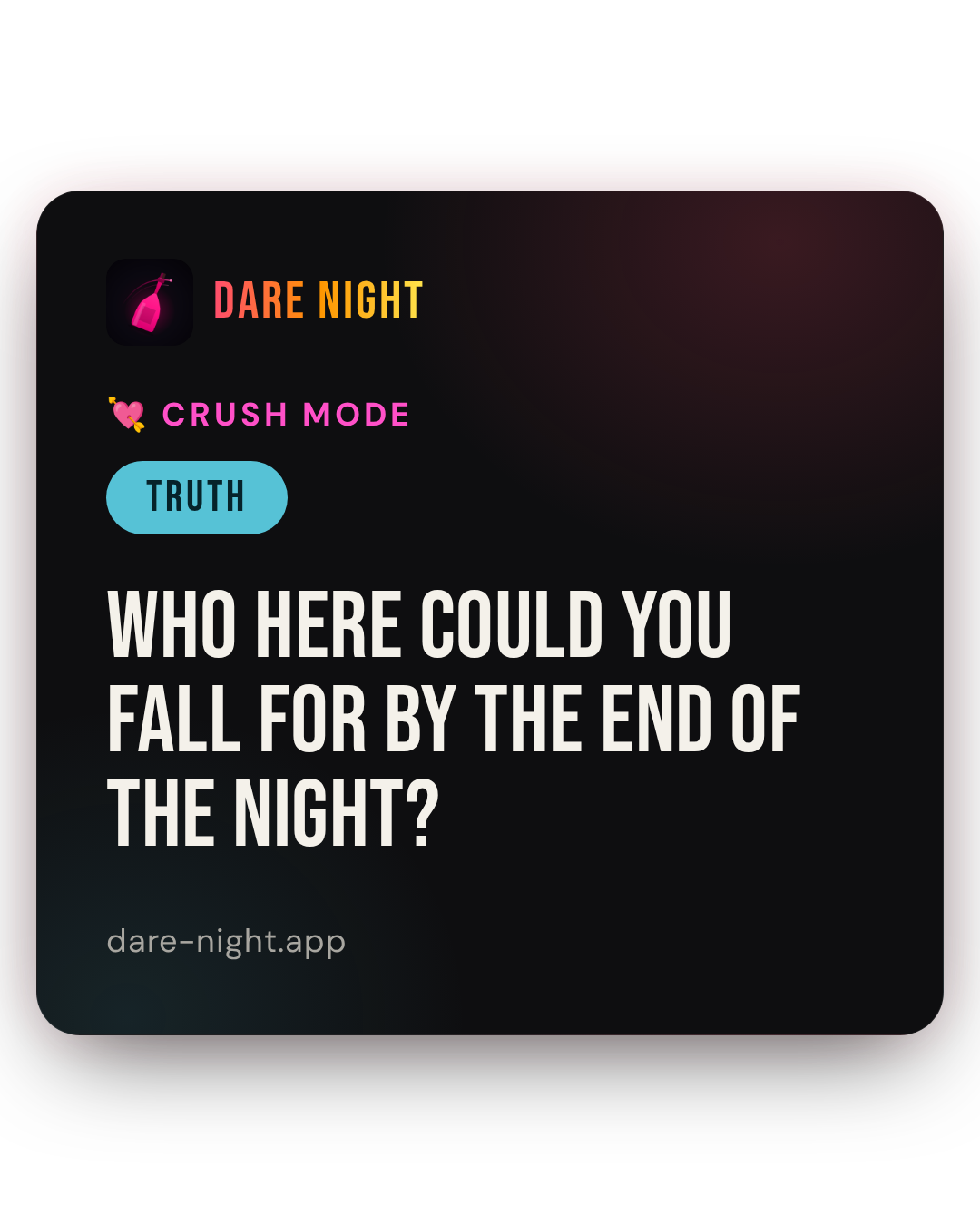
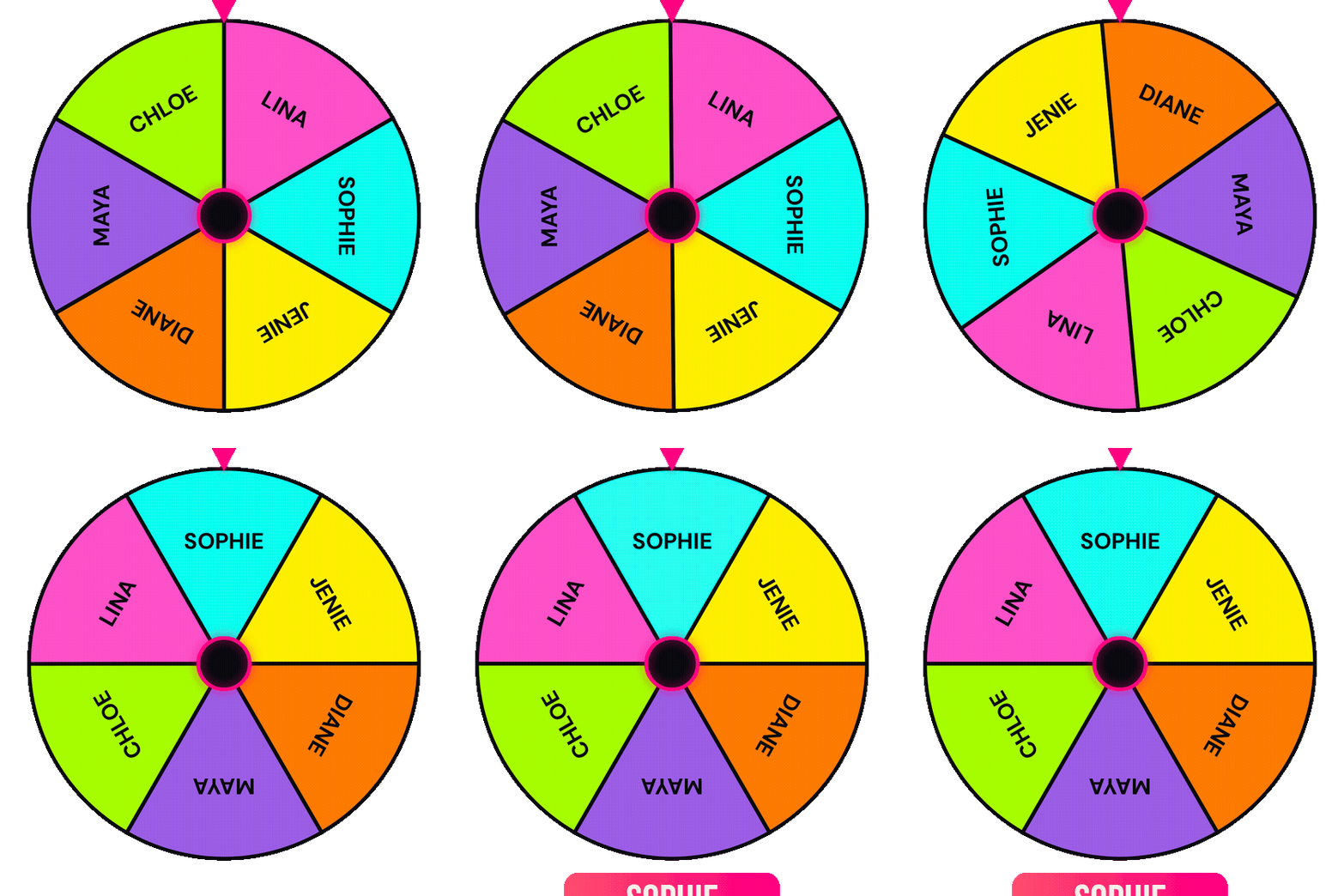
Which file to use
- Logo · CTA · Question card — PNG with a transparent background. Works in every editor (phone or desktop) as an overlay/sticker.
- Name wheel — phone editors (CapCut, InShot, Reels): use the GIF. It keeps its transparency and drops straight in.
- Name wheel — desktop editors (Premiere, Final Cut, DaVinci, CapCut desktop): use the .MOV — it's a clean, lossless transparent video (QuickTime alpha).
Want the names or the chosen name changed, or a different question? Tell Dave and it's a quick re-render.